Give the plant room a noise budget.
Follow one unit’s noise through the duct, the silencer and the bend, and into the room. See the estimated background noise and its NR rating, step by step.
Watch the noise lose its strength.
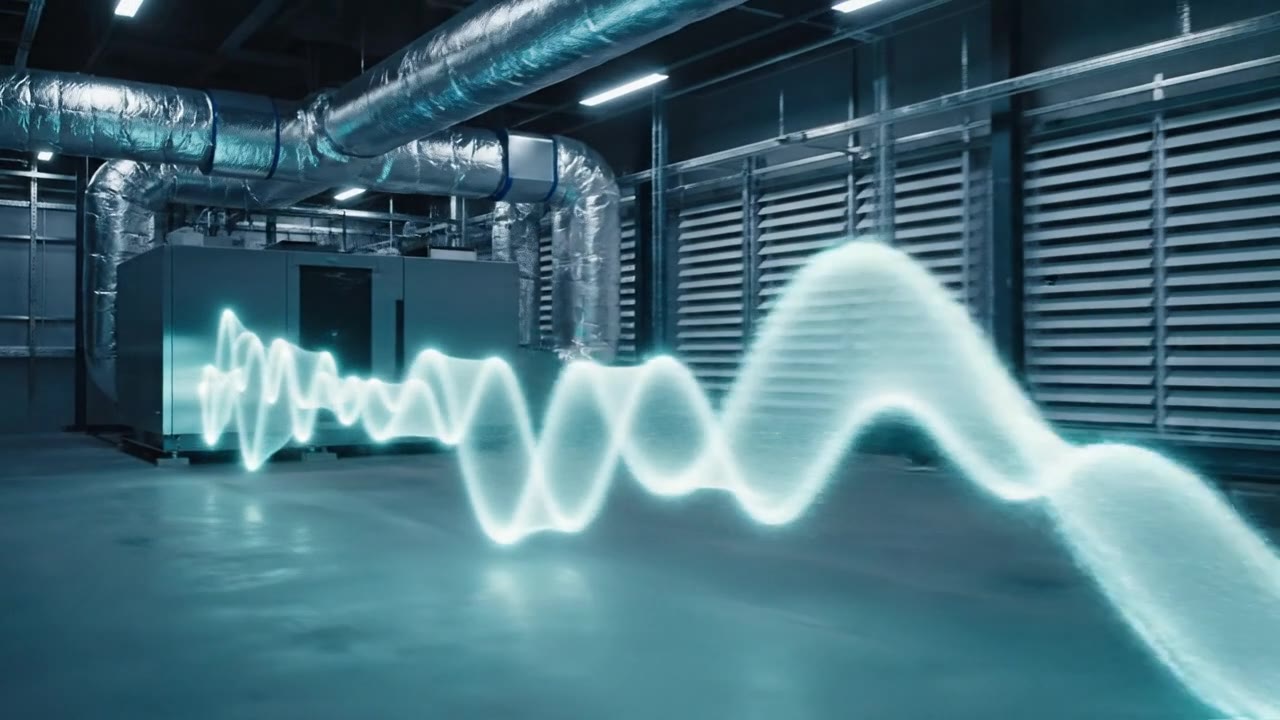
Below, a made-up ventilation unit feeds a duct run, a silencer and a bend into a small room. The glowing particles are the sound energy: watch them shrink as they go. Switch the silencer off and the room gets noisier.
Illustration of sound travelling from a ventilation unit along a duct, past a silencer and a bend, and into a room. The glowing particles shrink at each step, and shrink most where the silencer is fitted. Overall levels in this example: unit 80 decibels, silencer outlet 68, grille 60, listener 51.
Fit the silencer, hear the difference
Same unit, same duct, same room. Switch the silencer and watch the sound energy, and the room’s estimated noise rating, change.
down from NR 53 without it
Example values only: a made-up unit, duct, silencer and 180 m³ room, not taken from any real product. An indicative design guide for one outlet.
What the room would hear, band by band
Teal bars are the estimate. The dashed amber line is the NR curve it just fits under. Dotted outlines show the no-silencer case.
Four stops from fan to ear.
A noise budget is simply careful bookkeeping: start with what the unit gives out, take away what each element removes, and see what is left in the room.
- 01
Start at the unit
Every fan or air handler gives off sound power across the octave bands. That is the energy you are budgeting, taken from the maker's data sheet.
- 02
Lose some in the duct
Straight duct, bends and the end of the run each take a little away. Each element has its own figure per band, and low notes are the hardest to shift.
- 03
Add a silencer where it counts
A silencer takes a large bite out of the middle and upper bands. Fit it in the budget and see whether it is doing the job before anything is ordered.
- 04
Arrive in the room
The room, how far away the listener sits and how lively the space is decide what is finally heard. The result is a spectrum and a single NR rating.
Now do it for your project.
Quiet answers, quickly.
See where the noise goes
Follow one unit's sound step by step, so you know which element is earning its place and which is not.
Test a silencer before you specify it
Switch an element in or out of the chain and see the room's estimated noise rating move straight away.
A rating you can read at a glance
One NR figure, the band that sets it, and the full spectrum underneath, ready to discuss with a client.
Your own data, in your own order
Enter the figures from your data sheets for up to eight elements, and describe the room in a few boxes.
Have these to hand.
The estimate is only as good as the figures you put in, so gather these from your data sheets and brief first.
- The unit's sound power by octave band, from its data sheet
- Attenuation figures by octave band for each duct element, silencer and bend
- The room's volume and a reverberation time you trust
- How far the listener sits from the outlet, and where the outlet sits (ceiling, wall, corner)
- The NR target for the space, from your brief
£29 per project.
The noise budget and NC/NR rating are included in Echo Studio and Echo Pro. Without a subscription they are £29 a project. Ordering opens soon, once our professional indemnity insurance is in place.
Just need one room checked? The one-room check is £34.99.
How it works, and its limits
The figures are an indicative design guide only. They are a budget for one outlet, not a sign-off, and not a substitute for a specialist’s judgement.
The tool adds up the unit’s sound power, subtracts the attenuation you enter for each element, and applies a standard textbook room term (distance, outlet position, room volume and reverberation time) to estimate the level at the listener. The rating uses the NR curves from ISO 1996.
Not included: noise generated inside duct elements, noise breaking out through duct walls, flanking paths, several outlets in one room, and low-frequency room effects. All sound-power and attenuation figures are yours, taken from the manufacturers’ data. The wave and particle visuals on this page are an illustration only, and the example values are made up.